|
<< Click to Display Table of Contents >> Changing my Password |
  
|
|
<< Click to Display Table of Contents >> Changing my Password |
|
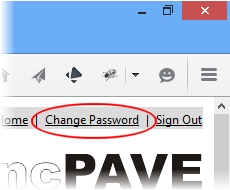
To change your password in cncPAVE is easy. At the main interface, at the right-hand corner, click the Change Password link as illustrated below:
A window will appear as illustrated below:
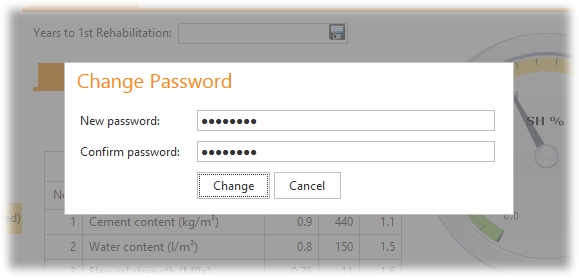
To change the password, simply enter the new password and re-type it as a confirmation. Click the Change button to change the password.